

WordPress Security Audit: The Complete 10-Minute Guide
By AIFORYA — 11 June 2026 — 15 minutes read
On this page (10)
A WordPress Security Audit in 10 Minutes? The Professional's Challenge
For agencies and freelancers, securing a portfolio of WordPress sites is not a simple task. It's a fundamental commitment that determines client trust and the longevity of their business.
Each project represents a distinct risk perimeter. A single outdated plugin or configuration error can quickly turn into an incident. The real challenge, therefore, is not securing a single site, but standardising this process across an entire portfolio.
Manual audits, while necessary, are a bottleneck. They are time-consuming and prone to error, consuming precious hours that should be allocated to creating value. A reactive approach is, by definition, insufficient.
The lever for performance and peace of mind lies in a preventive, fast, and reliable strategy. This observation is at the heart of AIFORYA's mission: to provide analysis tools that transform this complex task into a streamlined process.
This tutorial presents a method for conducting a complete and actionable security audit in under 10 minutes. It guides you, step by step, to turn a technical obligation into a competitive advantage.
The 4-Step Audit with the AIFORYA AI Security Plugin
This practical guide uses the AIFORYA AI Security plugin to turn a traditionally complex task into a simple and almost instantaneous process.
Prerequisites:
- A WordPress site with administrator rights.
- The AIFORYA AI Security plugin installed and activated.
- 10 minutes to perform the audit.
Step 1: Installation and Initial Scan Launch (2 minutes)
After installing the plugin, the configuration is minimal. The AIFORYA philosophy is based on the BYOK (Bring Your Own Key) principle. You connect your own API key from an AI provider (Anthropic, Google, etc.).
This model ensures total control over your data and costs.
Once the API key is entered, go to the dashboard. A main button invites you to launch your first audit: "Start Full AI Scan". The system begins its analysis in the background, without impacting the site's performance.
Step 2: Understanding the Unified AI Scan Analysis (3 minutes)
AIFORYA's approach is holistic. The AI examines the interactions between components and configuration contexts to detect anomalies that traditional tools might miss.
The scan covers several critical areas of WordPress security:
| Checkpoint | What the AI Analyses | Importance |
|---|---|---|
| WP Core Integrity | Compares core files against official checksums to detect any modifications. | Critical |
| Known Vulnerabilities | Scans the versions of themes, plugins, and core against vulnerability databases (CVE). | Critical |
| Server Configuration | Analyses .htaccess and wp-config.php files to identify missing security directives. | High |
| File Permissions | Verifies compliance with best practices (folders in 755, files in 644) to prevent code execution. | High |
| Database Security | Checks the table prefix to ensure it doesn't use the default wp_. | Medium |
| User Management | Audits accounts (the "admin" username should be avoided), password strength, and suspicious roles. | High |
| Malware Detection | Heuristic code analysis to identify suspicious patterns, backdoors, or malicious inclusions. | Critical |
Step 3: Interpreting the Security Report (3 minutes)
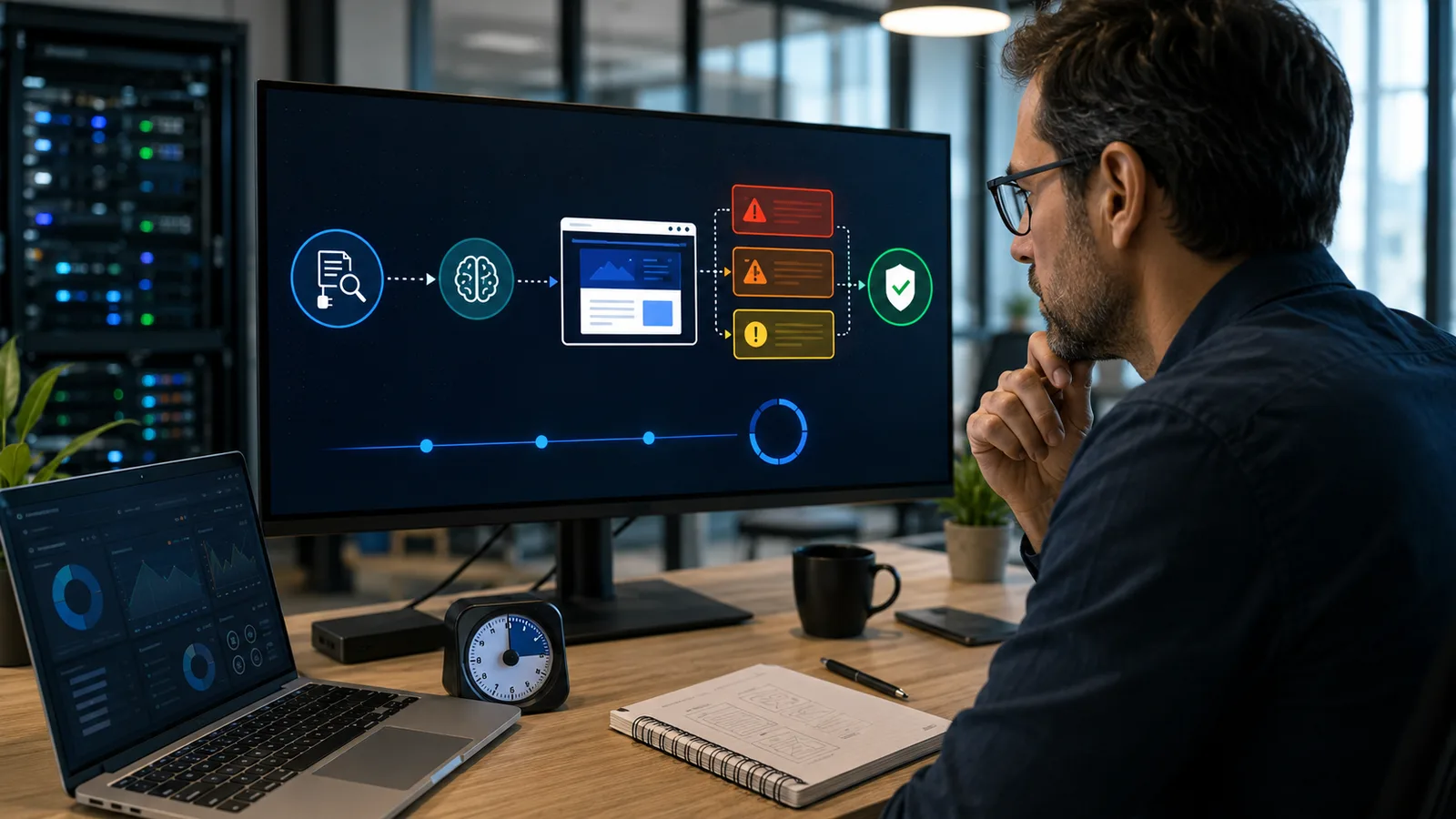
Once the scan is complete, the dashboard displays a synthetic and visual report. The goal is to allow you to grasp the site's health status at a glance.
The report prioritises findings by severity level:
- Critical (Red): Immediate action required. These are actively exploitable flaws, such as a plugin with a documented RCE (Remote Code Execution) vulnerability.
- High (Orange): Significant risk. For example, overly permissive file permissions or the absence of security salt keys.
- Medium (Yellow): Hardening recommendations.
- Low (Blue): Optimisations and best practices.
Each point in the report is accompanied by a clear explanation written by the AI. It doesn't just name the problem; it explains why it's a risk and what the potential impact is.
Step 4: Applying Fixes with a Single Click (2 minutes)
This is where the time savings become spectacular. For a large portion of the detected problems, the report offers an "Auto-Fix" button.
In a single click, AIFORYA can:
- Reset file and folder permissions to WordPress standards.
- Add recommended security directives to the
.htaccessfile. - Generate and insert new security keys into
wp-config.php. - Remove superfluous installation files after an update.
For manual actions, like updating a plugin, the AI provides the exact steps to follow. The solution is presented directly in the interface, reducing intervention time.
In 10 minutes, you have conducted an in-depth audit, understood the risks, and applied the essential fixes.
AIFORYA AI Security: The Co-pilot for Agencies and Freelancers
AIFORYA AI Security was designed for professionals who value their time and demand flawless reliability. The tool acts as a true co-pilot, from detection to correction.
- Optimise your operations: Automate audits and focus on higher-value tasks.
- Communicate with clarity: Use the reports to inform your clients and justify your maintenance actions.
- Adopt a proactive posture: Identify and fix flaws before they are exploited.
AIFORYA AI Security is a one-time purchase, with no subscription and no automatic renewal: a licence for 1, 5 or 25 sites, including 12 months of updates. The price of each licence is shown on the plugin page.
Every purchase comes with a 14-day full money-back guarantee.
Discover AIFORYA AI Security and try it risk-free
The AIFORYA Commitment for Professionals
Trust is at the heart of the relationship with professionals. That's why AIFORYA's philosophy rests on non-negotiable pillars. The BYOK (Bring Your Own Key) model ensures you have absolute control over your data and AI costs; no sensitive information from your sites ever passes through AIFORYA's servers. The infrastructure is designed in Europe, with strict GDPR compliance guaranteeing your data sovereignty. Finally, AIFORYA undertakes, should it permanently cease its activity, to publish the source code of its plugins under a free licence (MIT), so that you and your clients can keep using them — a commitment written into its Terms of Sale (Article 11).
Conclusion: More Security, Less Time Wasted
Managing WordPress security should no longer be a brake on your growth. Integrating AI-assisted tools into maintenance workflows allows for the delegation of repetitive audit tasks.
By standardising this process, you not only increase the robustness of each project but also the perceived value of your maintenance services. It's the transition from a reactive model to that of a proactive and effective security architect.
What to remember:
- Operational efficiency: A full audit becomes a matter of minutes, easy to integrate into your maintenance contracts without impacting your margins.
- In-depth analysis: AI offers a contextual analysis that goes beyond vulnerability signatures, revealing often-missed configuration risks.
- Immediate actionability: Automating fixes frees up precious time, reduces the risk of error, and allows you to focus on complex threats.
Don't let security maintenance encroach on your production time anymore. Adopt a smart approach to protect your clients' digital assets.
Ready to transform your security workflow? Try AIFORYA AI Security risk-free today — full refund within 14 days: Discover AIFORYA AI Security.
To learn more, check out AIFORYA's guide on advanced WordPress hardening.
Frequently Asked Questions (FAQ)
1. How is AIFORYA different from other security plugins? The difference resides in its AI analysis engine, which offers contextual detection. Additionally, its BYOK model and its focus on the agency workflow (reports, quick fixes) position it as a tool for professionals.
2. Does the scan affect my site's performance? No. The scan is optimised to run in the background with a minimal load. For complete peace of mind, automatic audits can be programmed during off-peak hours.
3. What does the BYOK (Bring Your Own Key) model actually mean? AIFORYA does not intercept your AI calls. You use your personal API key (Anthropic, Google...), ensuring transparency on costs and guaranteeing that your data is not processed by third parties.