

Login attempts on your site: the fix that stops them
By AIFORYA — 16 July 2026 — 7 min read
On this page (7)
"Nobody's interested in my site anyway"
It's what we all tell ourselves, and it starts from a fair point: there are no state secrets on your brochure site.
Except that automated login attempts don't pick their targets. Nobody took a particular interest in you. These are programs that crawl the web continuously and try to log in to anything that looks like a WordPress site — yours, the florist's next door, a town hall's.
It isn't personal. That's precisely why it concerns you.
And the goal is almost never to read your content: it's to use your site for something else — sending unwanted mail, adding invisible links to other sites, acting as a relay. You wouldn't notice straight away.
The cause: the door is always in the same place
Across millions of sites, the WordPress login address is identical. So a program knows exactly where to knock, without searching.
Then it tries. Common passwords, combinations, entire lists recovered from breaches at other services. It doesn't get tired, it doesn't get bored, and it starts again overnight.
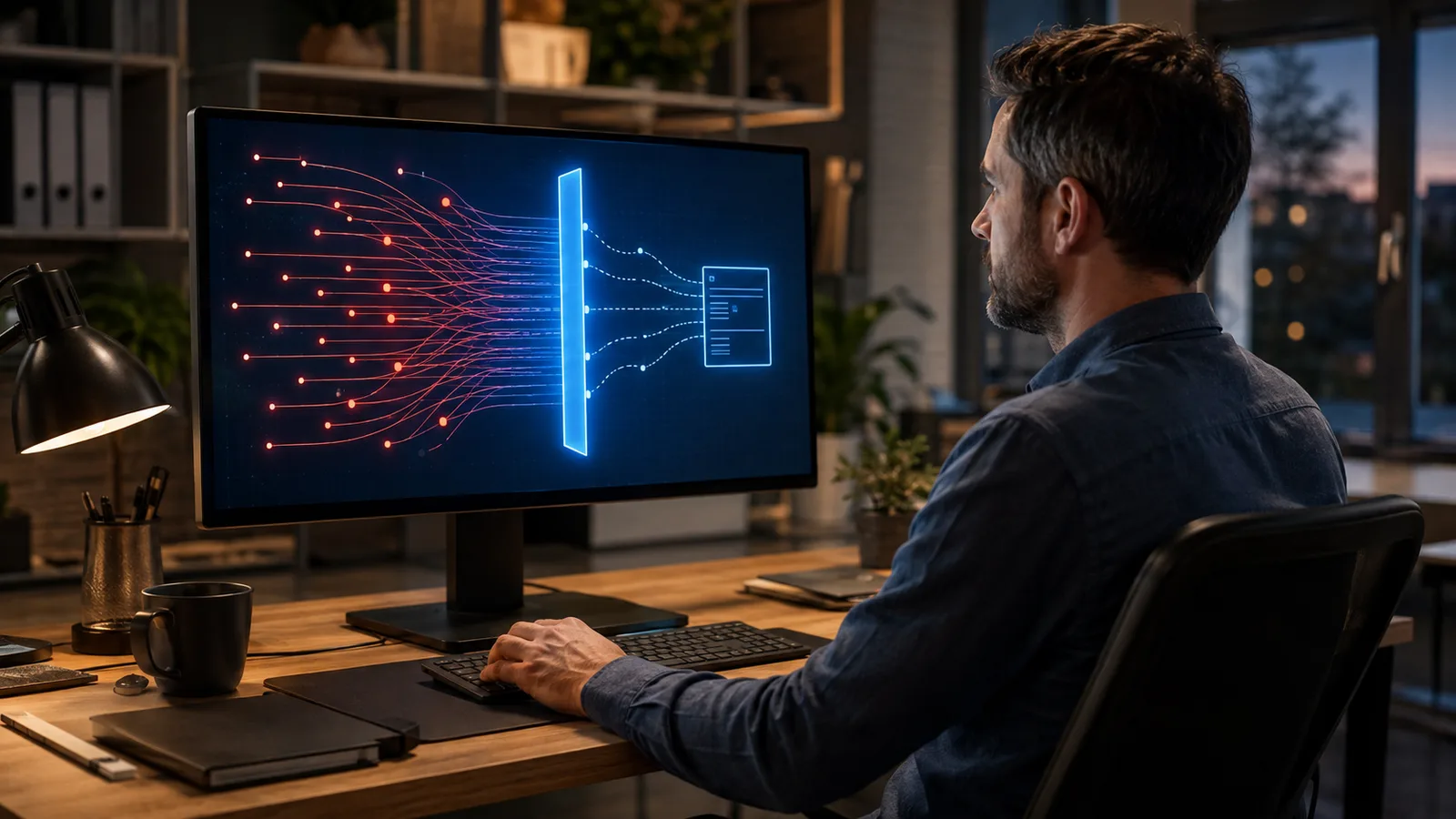
This is called a brute force attack: no finesse, no intelligence — just insistence at very high speed. The name sounds frightening; the principle is as dumb as trying doors one by one.
From which follows a reassuring consequence: you're not defending yourself against the attacker's intelligence, you're defending yourself against their insistence. And insistence can be blocked.
The fix: three steps, from simplest to most effective
1. A long password rather than a complicated one
We were taught to build twisted passwords, with symbols and digits standing in for letters. It's a pain to remember, and it isn't what protects best.
What matters most is length. A whole phrase — four or five words that have no business together, that only you associate — holds up better and is remembered effortlessly. A password you remember is a password you don't reuse everywhere, and that alone is huge.
Crucial point: never use a password on your site that you use anywhere else. If another service has its list stolen, your site becomes accessible without any attack being needed.
2. Limit the number of attempts
This is the step that neutralises insistence. The principle: after five failed attempts, the next ones are refused for a while.
A program that has to try thousands of passwords but is allowed only five attempts an hour can no longer do anything. You haven't made it any dumber — you've taken away its only advantage, repetition.
3. Two-factor authentication — the one that changes everything
It's the most effective of the three, and the least understood.
The principle: to get in, you need your password and a six-digit code, which changes every thirty seconds, shown in an app on your phone.
The consequence is simple to state: even someone who knows your password doesn't get in. They would also need your phone, physically, at that exact moment.
Setting this up takes five minutes: a free authenticator app on your phone, a code to scan once, and it's done. The most widely used apps are free and all work the same way.
One practical piece of advice nobody gives in time: when you switch it on, most services show backup codes to be kept somewhere other than the same place. Write them down. They'll serve you the day you change phones.
If you want this in place without spending the day on it
AIFORYA Login Security is a free extension that brings these protections together: brute-force protection, allow and block lists of addresses, two-factor authentication (TOTP), password-free login by emailed link, and a security dashboard.
It runs 100% on your own server, with no API key and no outside service. Compatible with WordPress 6.0 and above, PHP 8.0 and above.